7 website changes that make enquiries easier
Make it easier for the right customer to understand your offer and take the next step.
A website can look good and still make someone work too hard to get in touch. Before commissioning more pages or spending on advertising, follow the route a new customer takes. These are the changes we would prioritise for an independent business.
1. Say what you offer, straight away
Lead with the service or product, who it is for and the area you genuinely cover. A visitor should not need to decode a clever slogan. A Stevenage trade business and a Hitchin salon need different messages, but both need a clear offer before a long introduction.
2. Give each page a useful next step
Choose the action that suits the business: request a quote, book a table, book a consultation or send a WhatsApp message. Put it near the relevant information. A general contact link can remain available, but it should not be the only route from every service page.
3. Answer the questions that hold people back
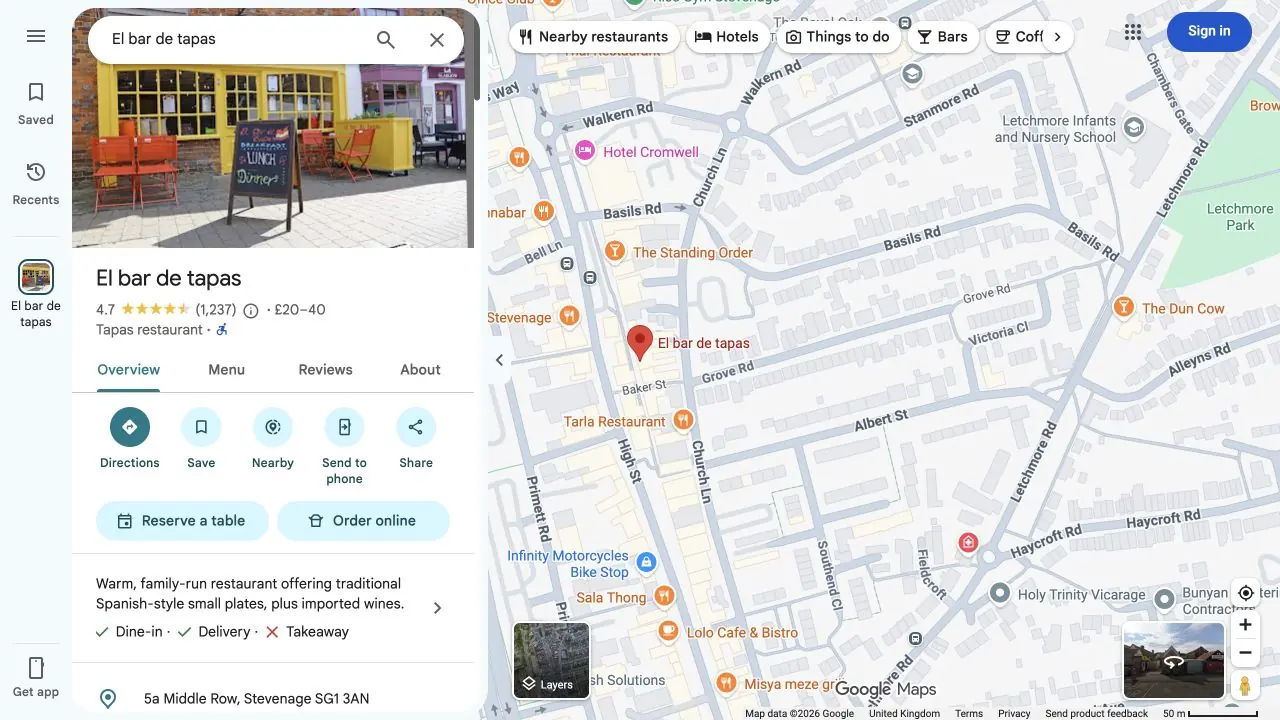
Explain what is included, how the process works and what happens after an enquiry. Where pricing depends on the brief, explain the factors instead of inventing a starting price. For a restaurant, current menus, opening times and booking information matter more than another paragraph about passion.
4. Show the actual business and work
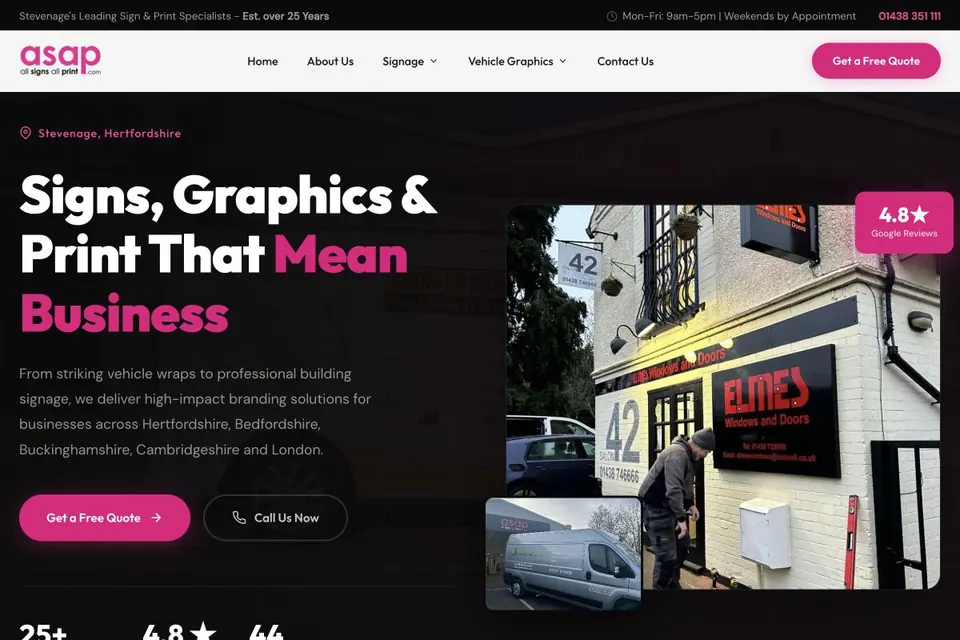
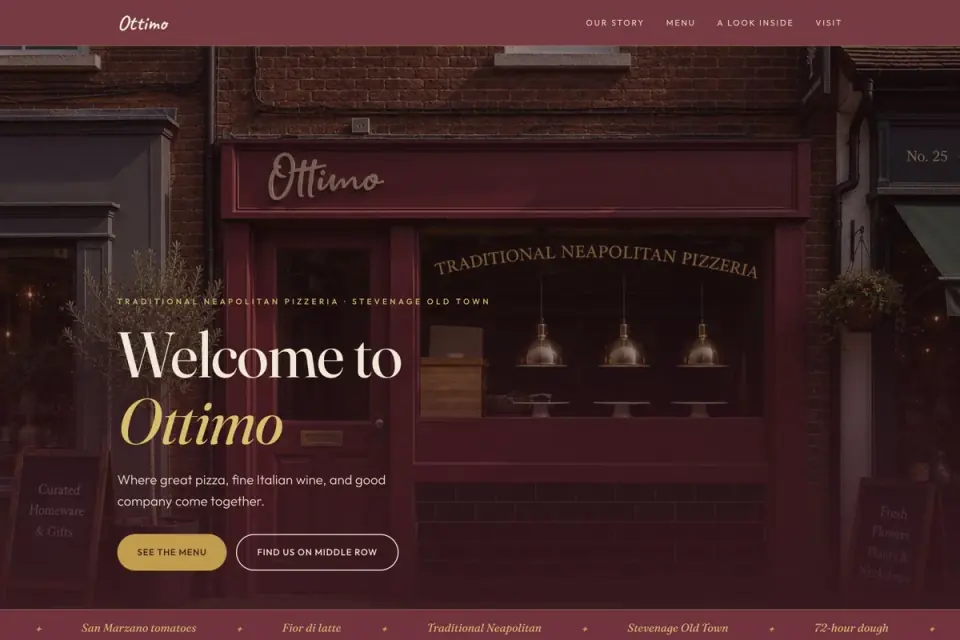
Use recognisable photographs, relevant projects and genuine customer feedback. On Ottimo Pizzeria's website, the food and restaurant identity belong to that business. The same principle applies to a coach or print company: show what the customer is choosing, not a stock image that could belong to anyone.
5. Keep the first enquiry manageable
Ask for the information you actually need to reply. A name, contact detail and short description may be enough to start a conversation. Save detailed requirements for the follow-up unless they are essential to a quote. Explain how the information will be used, and give a clear confirmation after submission.
6. Test the entire route, not just the homepage
Open a service page on your phone, find the next step and complete a test enquiry. Check menus, booking links, form errors and confirmation messages. Test what happens when an upload or connection fails. Ask someone unfamiliar with the business where they would click next.
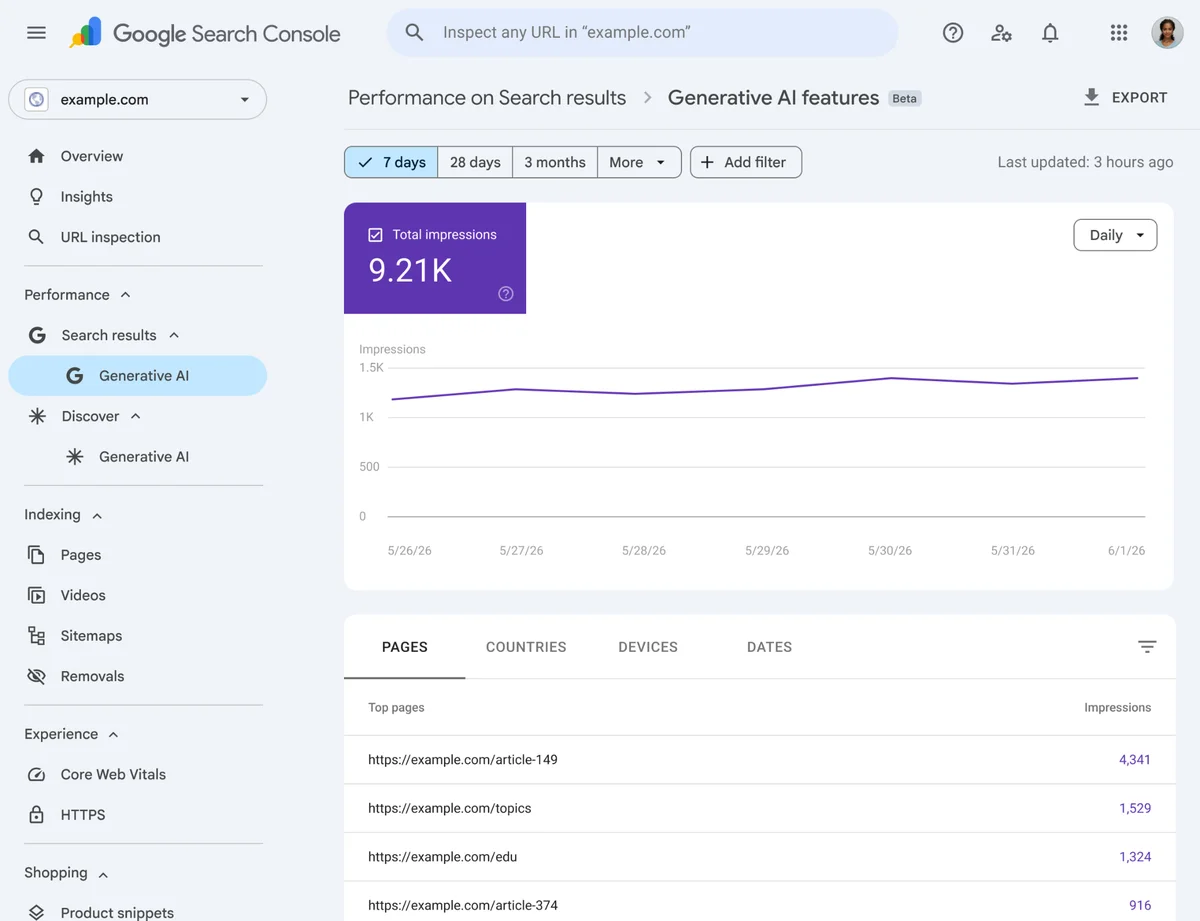
7. Measure the result that matters
A button click shows intent; it does not prove a new customer was won. Track successful enquiries separately from attempted submissions, and record which turn into suitable leads or bookings. Review a change against that customer journey rather than judging it by how many extra words are on the page.