A Google Business Profile checklist for service businesses
Get the basics right, show the real business and give customers a clear next step.
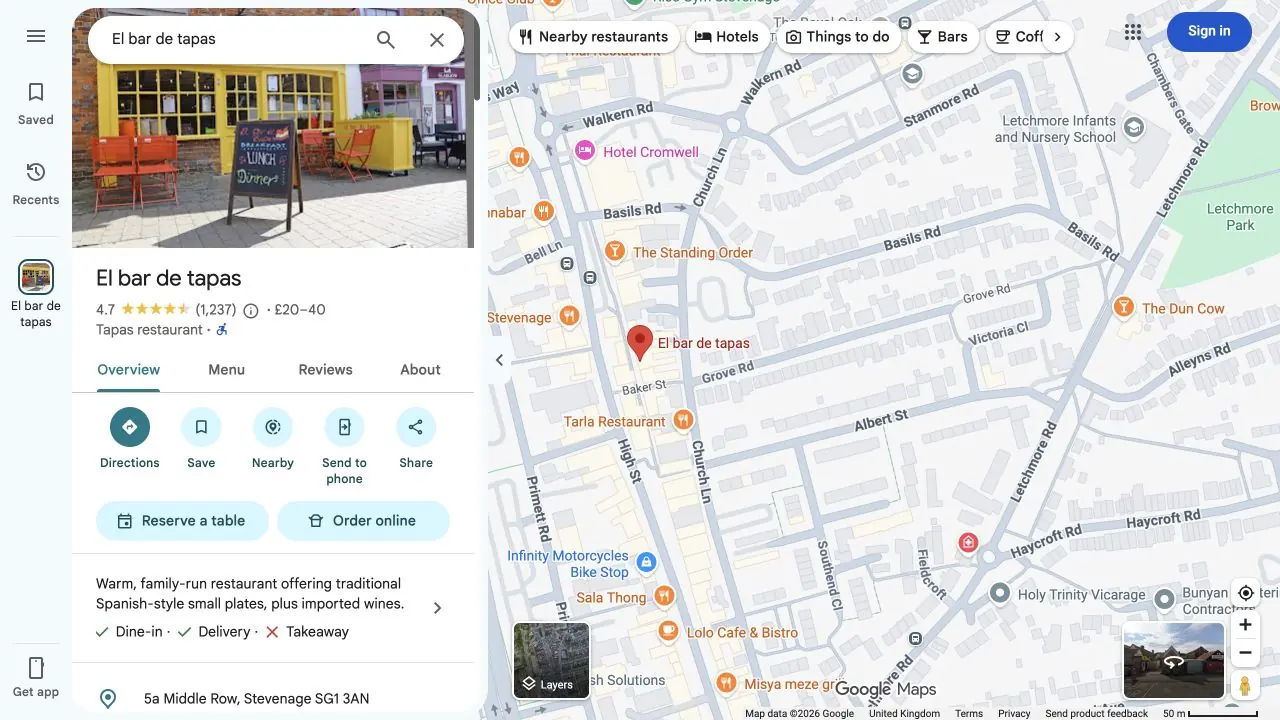
Your profile should help someone decide whether your business can meet their needs. Before adding more keywords or updates, check that the listing reflects how you actually work. A restaurant with a storefront and an agency visiting clients should not use the same location setup.
Check the right business setup
Google normally requires in-person contact with customers. A business that visits clients can use a service-area profile; an entirely online-only business is not eligible. If customers do not visit your operating address, keep it hidden. A virtual office or mailbox is not a substitute for a real operating base. Check Google's business guidelines before creating a listing.
Keep the details accurate
Use your real business name, appropriate categories and genuine services. Check your website, contact route, service areas and customer-facing hours. Do not add keywords to the name or create extra town profiles for locations you do not operate.
Work through the listing as a potential customer. Can they identify the offer and find the right route to make an enquiry? Does that route match the service they just read about?
Show work customers can recognise
Select clear photographs of your actual work, equipment or team, with any necessary permissions. A completed print job, a real content shoot or a relevant website project can explain the offer more clearly than generic marketing graphics.
Choose images with a purpose. A customer should be able to understand what they are looking at, rather than seeing a collection of unrelated pictures.
Ask for honest reviews
Invite customers to describe their genuine experience without rewards or pressure, and do not invite only the people you expect to leave a positive rating. Reply helpfully and avoid disclosing private project or customer details.
Google explains that local results depend mainly on relevance, distance and prominence. Reviews can contribute, but no profile edit guarantees first place. Read Google's local ranking guidance.
Make maintenance part of the job
When an offer, opening time or contact route changes, update the website and profile together. Check enquiries are reaching you, keep seasonal details current and review whether the photos still reflect the work you want to attract.
A useful profile is a customer-information task as well as a visibility task. Regular checks should fix real gaps, not manufacture activity for its own sake.
Sources
Sources checked on 13 October 2026.